AI brand reference
Brand colors, layout rules and 12 compositions to attach in an AI chat.

Brand guide
Get a ready-to-use prompt for an announcement, poster or presentation. Attach the brand guide and official logo in your own AI tool.
Brand colors, layout rules and 12 compositions to attach in an AI chat.
Rules, official logos and examples in one package for AI tools that can install skills.
In Claude, upload the ZIP from Customize → Skills → Create skill → Upload a skill.
In Codex or Claude Code, unzip the file and put the yangi-asr-brend folder in .agents/skills/ or .claude/skills/ in your project.
In ChatGPT Projects and Gemini Gems, add the AI guide to the project or Gem files once and reuse it in future chats.
Claude installation guideAttach the PNG that matches your background. For an image generator, reserve space and place the original PNG afterward.
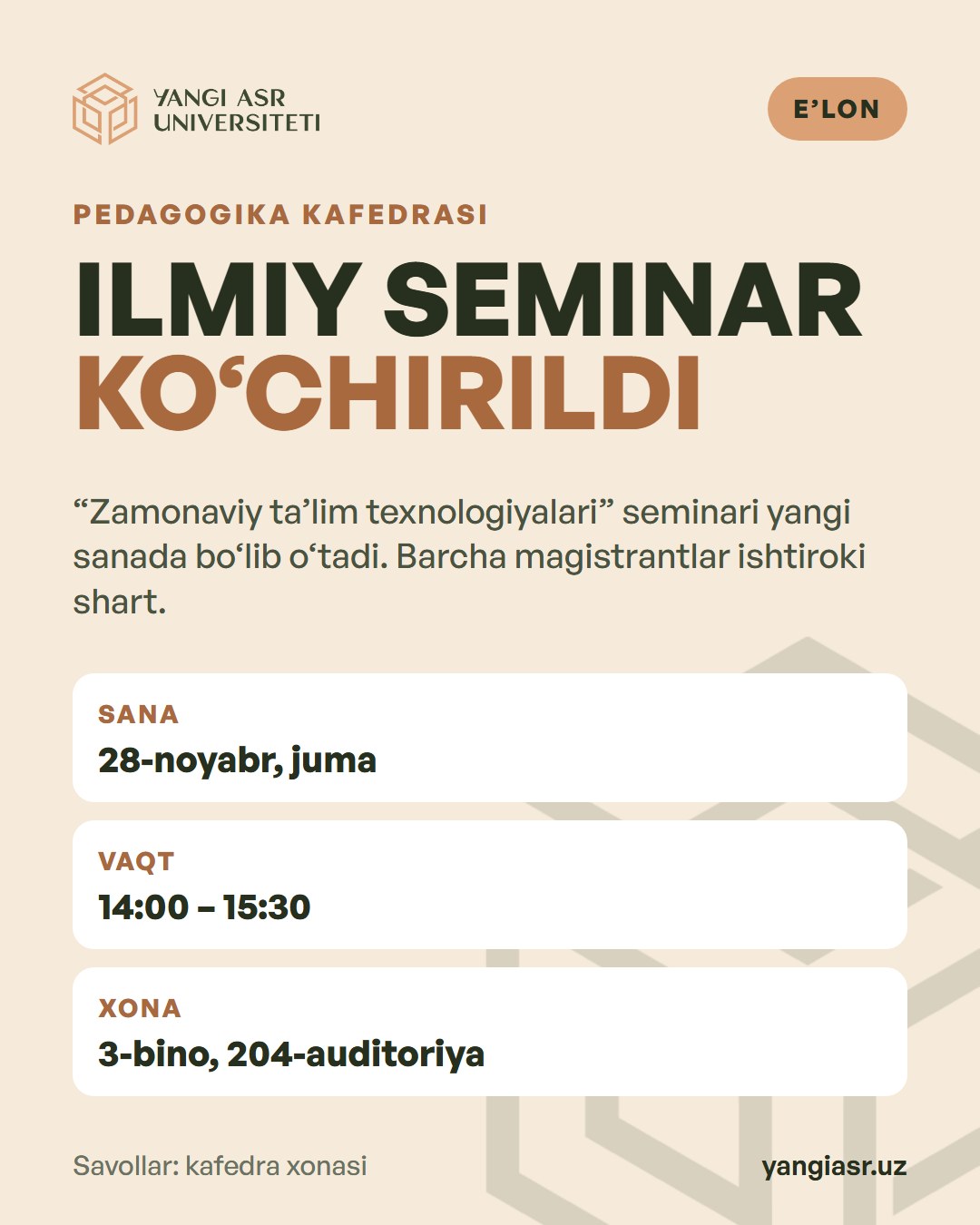
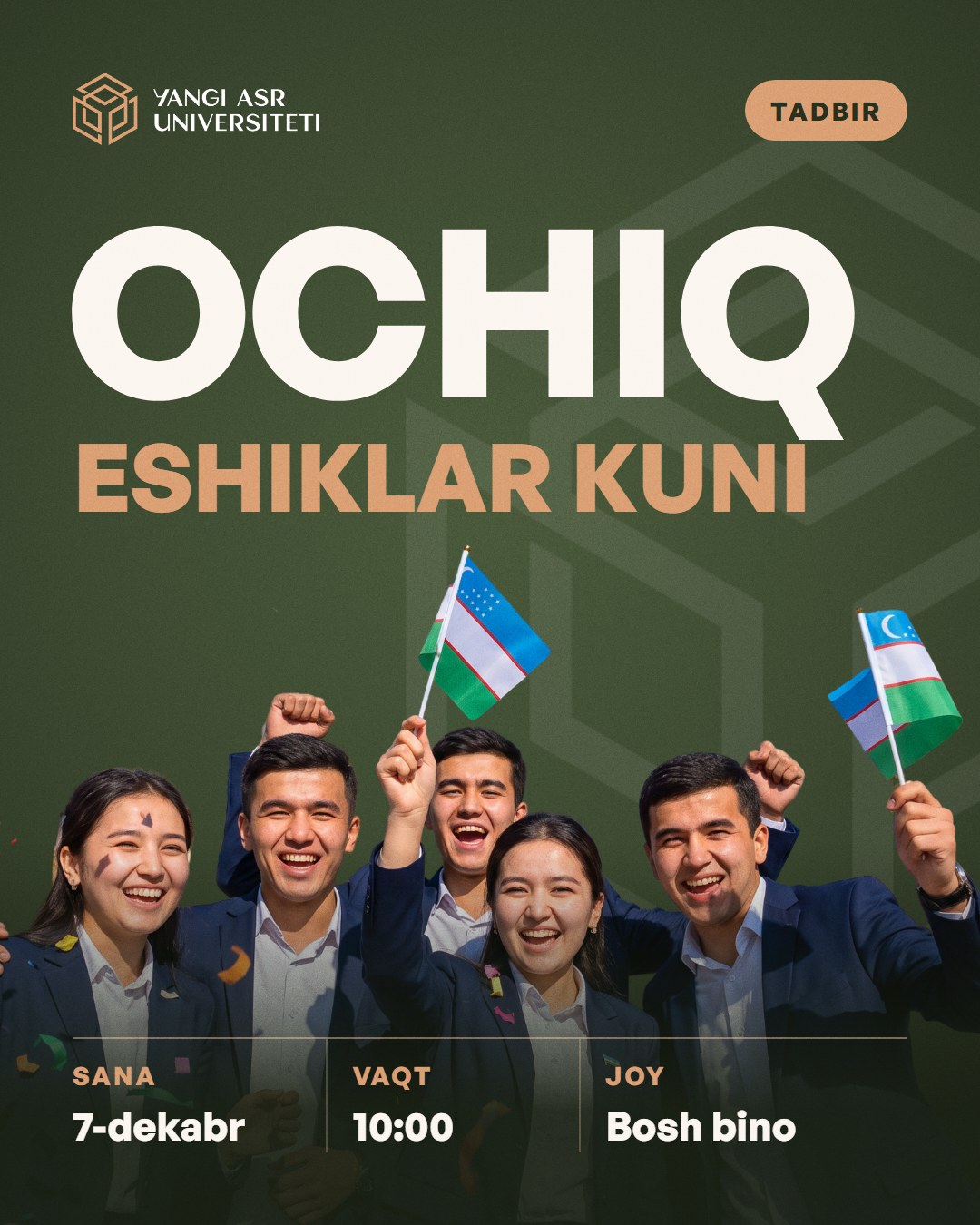
Attach one example to show how colors, composition and text work together. The images use sample information.
#3D4A31#27301F#DBA074#F6EBDB#FBF7F0#7A8B69#A8693F